Amazon IPTV : the best Tv Setup, Costs, and Risks
Amazon IPTV, you likely want to know whether Amazon sells internet TV and how to watch it on a Fire TV Stick. Fire TV can run streaming apps, but Amazon doesn’t sell a subscription officially called “Amazon IPTV.”
The useful distinction is between the device, the app, and the service supplying the shows or channels. Once that’s clear, it’s easier to compare legal options and their costs.
What Amazon IPTV means on Fire TV devices
Fire TV is Amazon’s streaming platform. IPTV, short for internet protocol television, delivers television through an internet connection. An “Amazon IPTV” listing usually means a third-party app or subscription intended for a Fire TV device, not a product sold by Amazon.
How IPTV apps and subscriptions work
An IPTV service may stream live channels and on-demand programs through an app. Some services provide their own app; others ask you to use a separate IPTV player.
Installing a player doesn’t give you channels. You may need a subscription or a provider-supplied playlist. Before entering account details, check who’s supplying the content and whether they have permission to show it.
Where Prime Video fits
Prime Video is Amazon’s streaming service, available through Fire TV. It offers movies and shows, with some content or add-on subscriptions costing extra. Its catalog and pricing are separate from a third-party IPTV subscription, even when both play on the same television.
How to watch IPTV on an Amazon Fire TV Stick
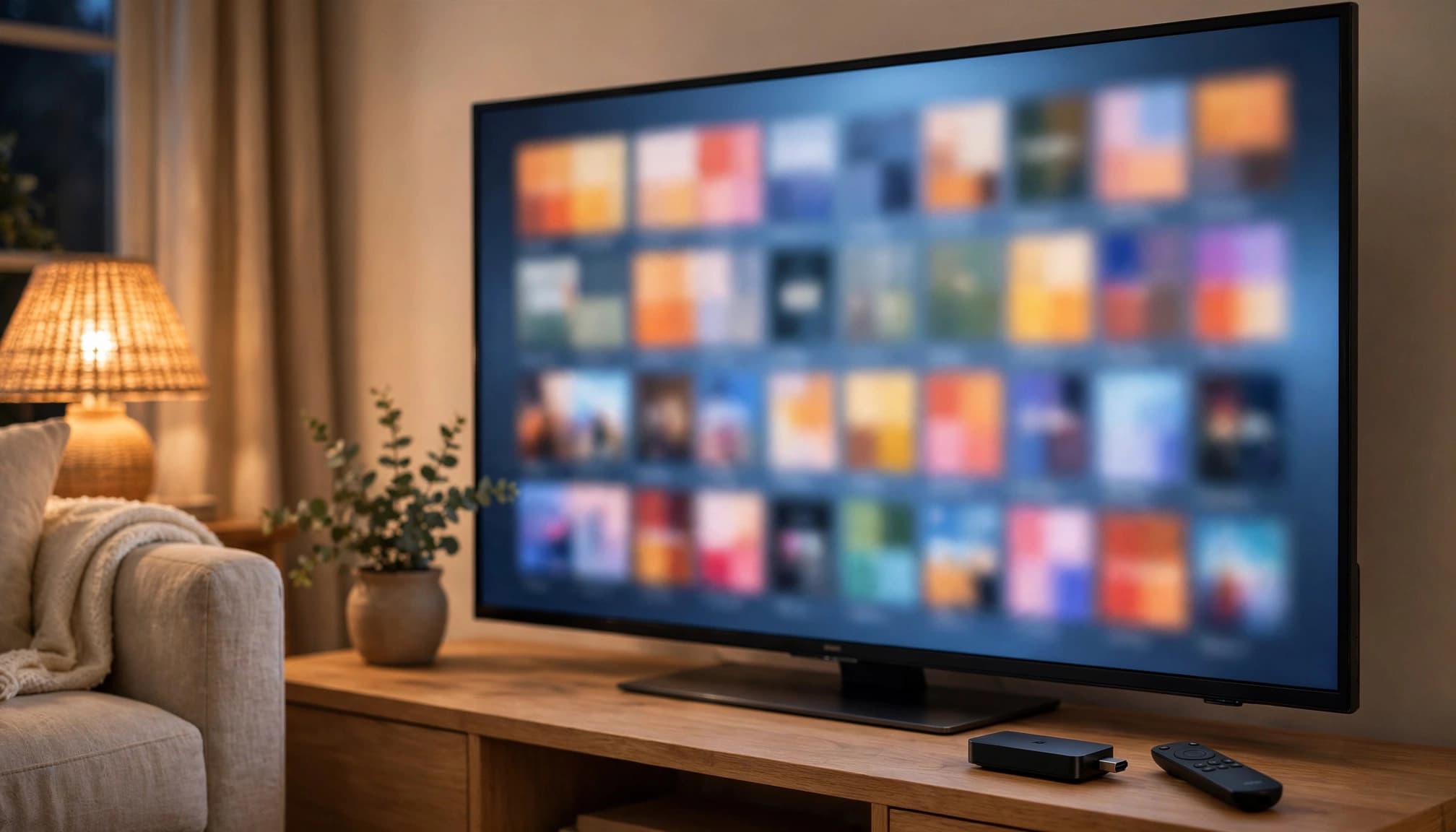
Connect your Fire TV Stick to your TV and Wi-Fi, then use the device’s search function to find a legitimate streaming app in the Amazon Appstore.
Install an app and sign in
Select the app, install it, and sign in with your service account. If it requires a separate subscription, arrange that directly with the provider. App availability varies by region and Fire TV model, so check compatibility before paying.
You don’t need a generic Amazon IPTV player for services that already have their own Fire TV apps.
Check an IPTV service before you pay
Compare the channel list with what you watch. Then check supported devices, trial terms, the renewal price, and how to reach customer support. A cheap introductory rate tells you little about the next bill.
Be wary of lifetime plans at unusually low prices or vague answers about channel rights. Amazon’s policy on apps with unlicensed content says Fire TV disables apps identified as providing access to it.
Compare legal streaming choices, costs, and risks
Prime Video suits viewers who want its catalog. Pluto TV offers free, ad-supported channels, while paid live TV services such as YouTube TV and Sling TV offer different channel lineups. A third-party Amazon IPTV subscription is another option if its provider clearly holds the necessary rights. Check each provider’s current prices and availability directly; there’s no single Fire TV channel package to compare against.
Unverified apps bring risks beyond a wasted payment. The FTC’s warning about illegal streaming apps describes malware concerns. A questionable provider may also put your payment details at risk or disappear, taking your prepaid access with it.
Choose the service, not the label
Amazon IPTV provides the Fire TV platform, not a standalone IPTV subscription. The app you install and the provider behind it determine what you can watch.
Compare licensed services, confirm today’s price and device support, and pass on offers that won’t explain their content rights.