Smart IPTV Explained: the best service of iptv
Smart IPTV has become popular because it gives you live TV, on-demand shows, and access across multiple devices through an internet connection. However, the term can refer to an IPTV app, a media player, or a subscription service, so the experience depends on what you choose.
This guide explains how smart IPTV works, what you need to get started, how to choose a legal provider, what it may cost, and which safety concerns deserve attention. Keep in mind that an app alone doesn’t provide licensed channels, so it’s important to understand the difference before choosing a service.
What Is Smart IPTV and How Does It Work?
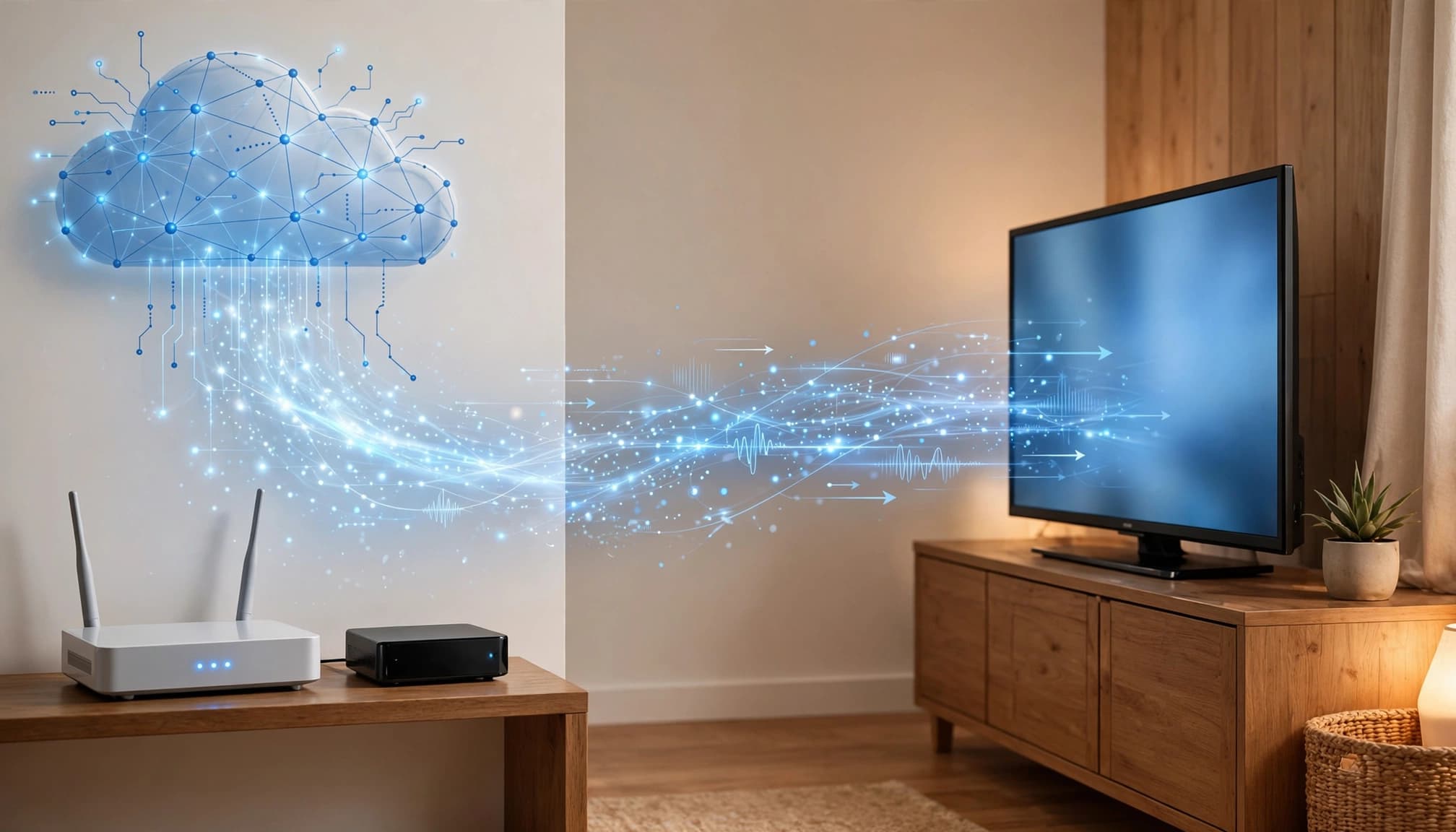
Smart IPTV is television delivered through an internet connection instead of cable lines, satellite signals, or an antenna. IPTV, or Internet Protocol television, sends live channels, on-demand videos, and replay content as data packets to a compatible app or streaming device. The ITU’s IPTV overview explains how these services deliver television and multimedia through IP-based networks.
Smart IPTV Apps Versus IPTV Subscription Services
Apps such as Smart IPTV , IPTV Smarters Pro, TiviMate, and OTT Navigator are usually playback tools. They provide an interface for loading and watching video streams, but they typically don’t own the channels or license the programs.
A licensed IPTV provider supplies the actual content, account access, electronic program guide, and customer support. Depending on the service, it may also provide its own app for smart TVs, phones, streaming devices, and web browsers. An M3U playlist or portal login can connect a player to a provider’s streams, but neither one proves that the content is licensed.
A large channel list doesn’t establish legality, either. App-store availability only shows that an app passed that store’s listing requirements. It doesn’t confirm that a separate subscription service has permission to distribute every channel it advertises.
What You Need to Watch IPTV at Home
Your basic setup includes a compatible Smart IPTV TV or streaming device, a stable broadband connection, an IPTV app or provider app, and valid account details or playlist information. The provider usually gives you login credentials, an M3U URL, or portal details during setup.
Ethernet is often more reliable than Wi-Fi for 4K streaming because a wired connection avoids wireless interference and signal drops. If your TV is older, you can add a device such as Amazon Fire TV, Roku, Apple TV, Android TV, Google TV, or a compatible set-top box.
Channel quality and availability depend on the provider, internet speed, device performance, and your location. A legitimate service may also restrict certain programs by region because of broadcasting rights.