IPTV Guide: How to Choose a Legal Service and Set It Up
IPTV Guide delivers television over an internet connection, with some services offering live channels, on-demand shows, or both. Since channel lineups, costs, and device support vary, choosing a legitimate service takes more than comparing prices.
This guide explains how IPTV works, what to check before subscribing, and how to get started at home. First, let’s look at how internet TV delivers programs to your screen.
Your IPTV guide to how internet TV works
IPTV, or Internet Protocol television, delivers television programs as data over an internet connection. The term describes how TV reaches you, not whether a service is legal. Legality depends on whether the provider has the rights to offer its content.
How IPTV differs from cable, satellite, and streaming apps
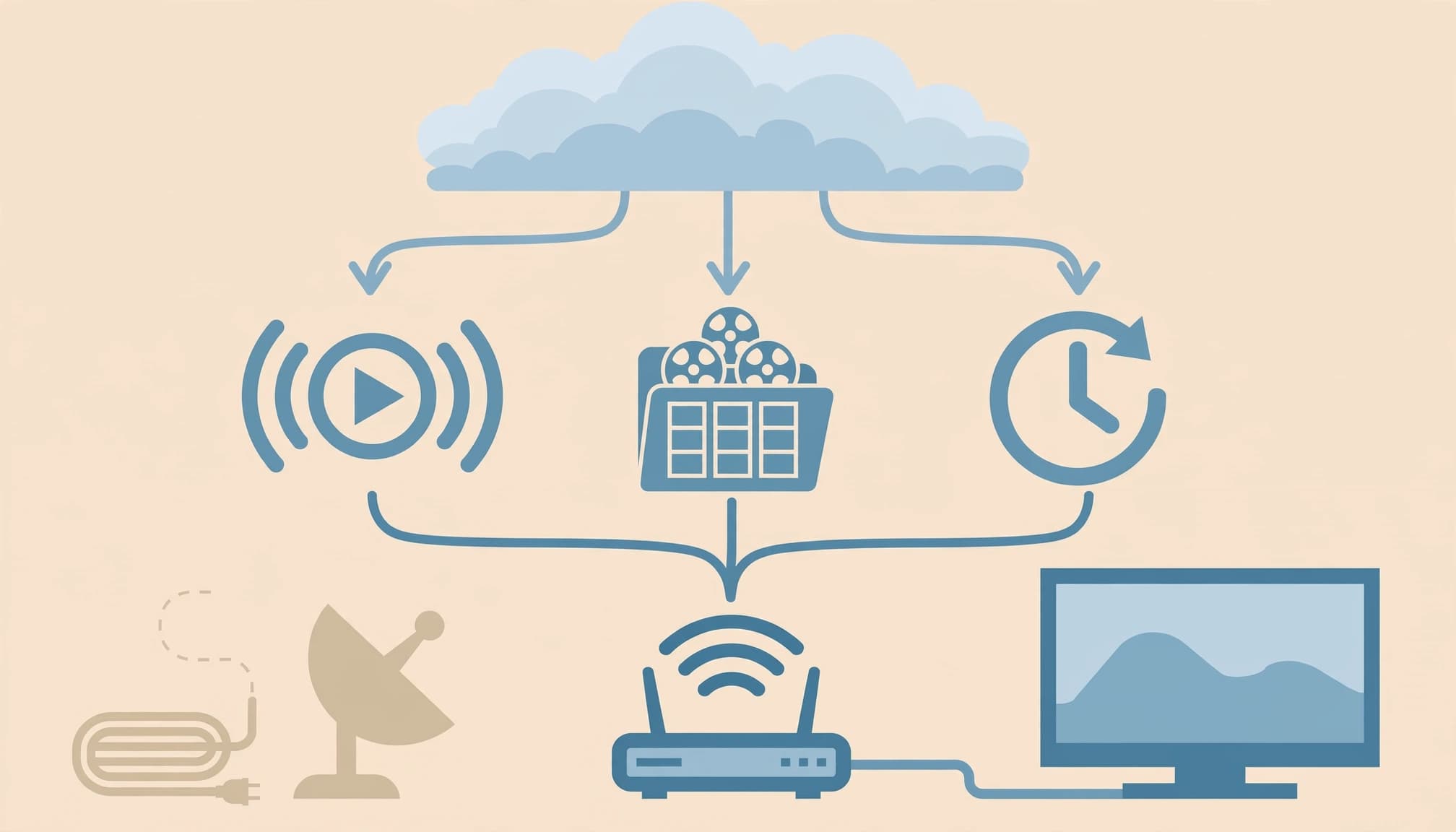
Cable TV carries channels over a cable network, while satellite TV beams them to a dish at your home. IPTV sends video over an internet protocol network, so you can watch through a compatible TV, streaming device, or app. The OECD’s overview of IPTV describes it as video and related services delivered using Internet Protocol.
Streaming apps also use the internet, but they typically focus on an individual service’s programs or live channels. IPTV services may offer a channel lineup, on-demand content, or both. Their programming, supported devices, and features vary, so the IPTV label alone doesn’t tell you what a subscription includes.
Live TV, on-demand shows, and catch-up viewing
Many IPTV services combine different ways to watch. Live TV streams programs as they air, while video-on-demand (VOD) lets you choose a title from a library and start it when you want.
Some providers also include catch-up viewing, which lets subscribers replay selected broadcasts after they air. The replay window and available programs depend on the service, and not every IPTV subscription includes all three formats. Check the channel list and feature details before signing up, especially if you want to watch a particular show or event.
How to choose a legal IPTV service that fits your needs
A good IPTV subscription should match what you watch, work where you live, and explain its pricing and terms clearly. Compare services using the same criteria, and check that the provider has the rights to offer its channels and programs. The U.S. Copyright Office’s copyright resources explain the protections behind creative works.

Compare channels, content rights, and monthly costs
Start with the provider’s channel list, not its headline price. Check that it carries the local stations, sports networks, and specific programs you want, and confirm those channels are available in your ZIP code. Regional sports rights and local coverage can vary by location.
Then review the provider’s terms and how it describes its content rights. Be cautious if a service promises an unusually large lineup for a very low price but gives no clear company information, licensing details, or customer support.
Prices vary by service and plan, so compare the total monthly cost. Look for promotional rates that expire, add-on charges, equipment fees, taxes, and any contract commitment. Before subscribing, read the cancellation rules, including how to cancel and when billing stops.
Check device support, picture quality, and customer help
Confirm the service supports your television or streaming device before paying. Providers may support different smart TV brands, streaming sticks, phones, and tablets, and some require a separate app or device.
Also check the advertised video quality and whether it depends on your plan, device, or internet connection. If a free trial or introductory offer is available, read its terms carefully, including when paid billing begins and how to cancel before the trial ends.
Finally, look for a real way to contact customer support, such as phone, email, or live chat. Clear support options and straightforward terms make it easier to resolve billing or streaming problems.
What you need to set up IPTV at home
A home IPTV setup needs a supported screen, the provider’s official app, and a stable internet connection. Before subscribing, check which devices the service supports and whether your broadband can handle the video quality you want.

Choose a supported device and install the official app
You can watch IPTV Guide on a compatible smart TV, streaming device, phone, tablet, or computer. Support varies by provider, so check its device list before you buy or install anything. Then download the app from your device’s official app store, or follow the provider’s setup instructions.
Once installed, open the app and sign in with the account details from your subscription. If the provider supplies a setup code or activation steps, use those instructions. Avoid unofficial apps or downloads, which may put your device and account at risk.
Check your internet speed and home Wi-Fi
Stable broadband helps prevent buffering, especially when you stream in HD or 4K. Check your IPTV provider’s speed guidance, since its requirements may differ by video quality and the number of people streaming at once. As a reference point, Netflix’s speed recommendations list 5 Mbps for Full HD and 15 Mbps for 4K.
For a simple setup, connect your TV or streaming device to your home network, install the app, and sign in. If playback stutters, try wired Ethernet for a more stable connection, move the router closer, or improve Wi-Fi coverage.
How to avoid IPTV problems and risky offers
Streaming trouble can come from your home network, device, app, or IPTV provider. A few basic checks can help you identify the cause, while careful account and payment habits reduce the risk of signing up with an unsafe service.
Fix buffering, freezing, and playback issues
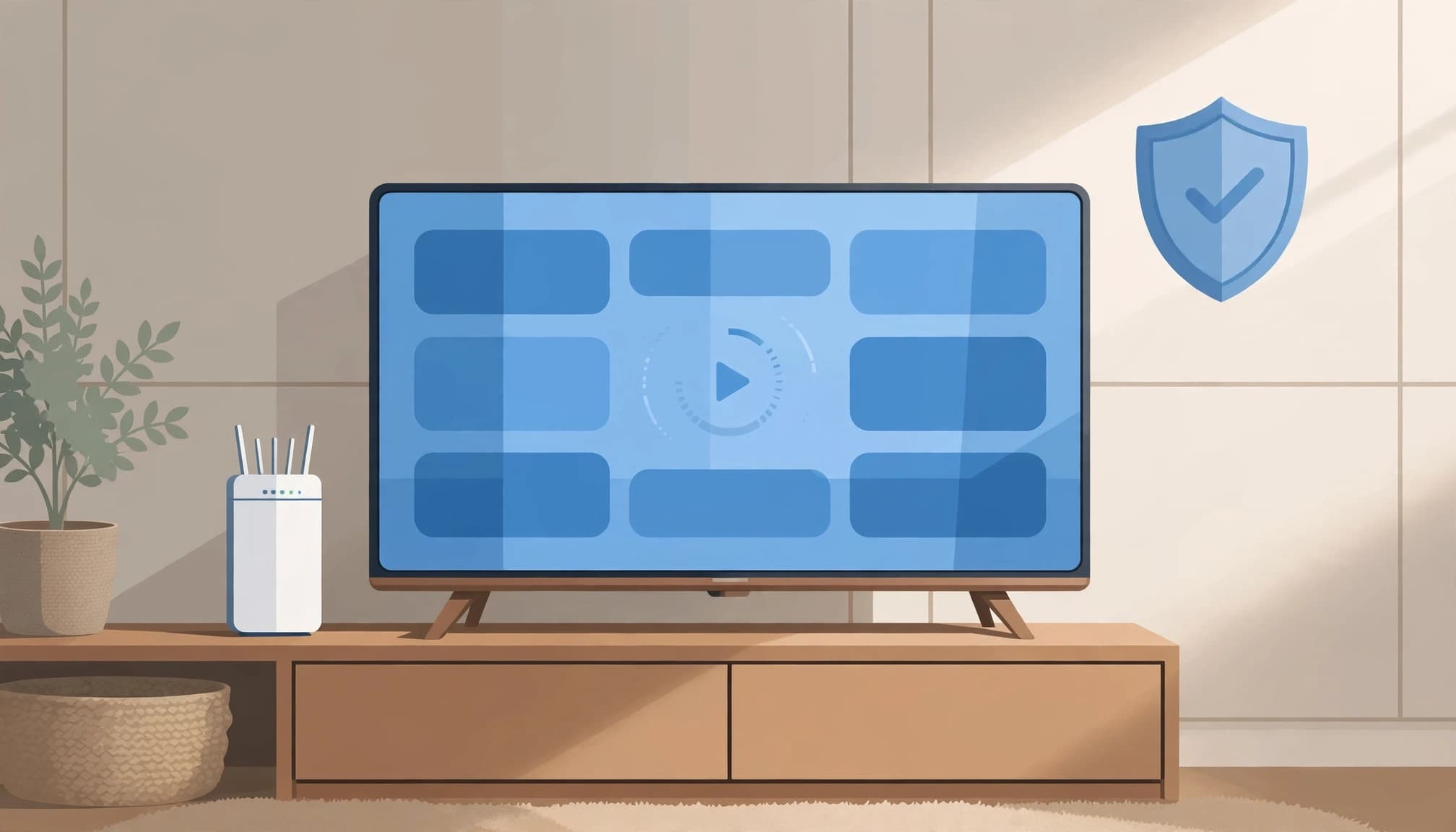
When a stream buffers or freezes, first check that your internet connection is working reliably. Then try these steps:
- Restart the IPTV app and your TV or streaming device.
- Install any available app, device, or operating system updates.
- Test playback on another network, such as a mobile hotspot, if available.
If the stream works on another network, your home connection may be the problem. However, when multiple channels fail across different devices and networks, the provider may be experiencing an outage. Check its official status page or support channel before changing your home setup.
Spot suspicious services and protect your accounts
Be wary of a service that promises a huge library of premium channels for an unusually low price. Unclear company ownership, missing licensing information, and no reliable customer support are also warning signs. Avoid providers that demand unusual payment methods, such as gift cards, cryptocurrency, or wire transfers.
Use a unique, strong password for your IPTV Guide account, and don’t reuse your email password. Download the provider’s app from an official app store or its verified website, not from an unknown file-sharing page. Before paying, check the recurring charge and cancellation terms. The FTC’s subscription guidance can help you understand what to look for in subscription offers.
Conclusion
IPTV Guide comes down to checking the essentials before you subscribe. Pick a licensed provider, confirm it offers the content and device support you need, compare the full cost, and make sure your home internet connection can handle streaming.
Because prices, channel lineups, and subscription terms can change, verify the provider’s current details before paying. A little checking up front can help you choose an IPTV service that fits your home and viewing needs.