IPTV Smarters 2026 : Setup by Setup,Costs , Safer choices in 2026
IPTV Smarters apps because they want live TV, video on demand, and personal playlists in one place. IPTV Smarters can provide that interface, but the name causes plenty of confusion.
The app usually plays content supplied by a separate service. It doesn’t automatically come with a complete channel lineup or rights to premium programming. Before installing anything, know what the player does, what it costs, and who supplies the content.
What Is IPTV Smarters and What Does It Actually Do?
IPTV Smarters is a media player that connects to an outside IPTV provider through account credentials or a playlist. Depending on the version, it may organize live channels, VOD libraries, catch-up content, electronic program guides, and favorite channels.
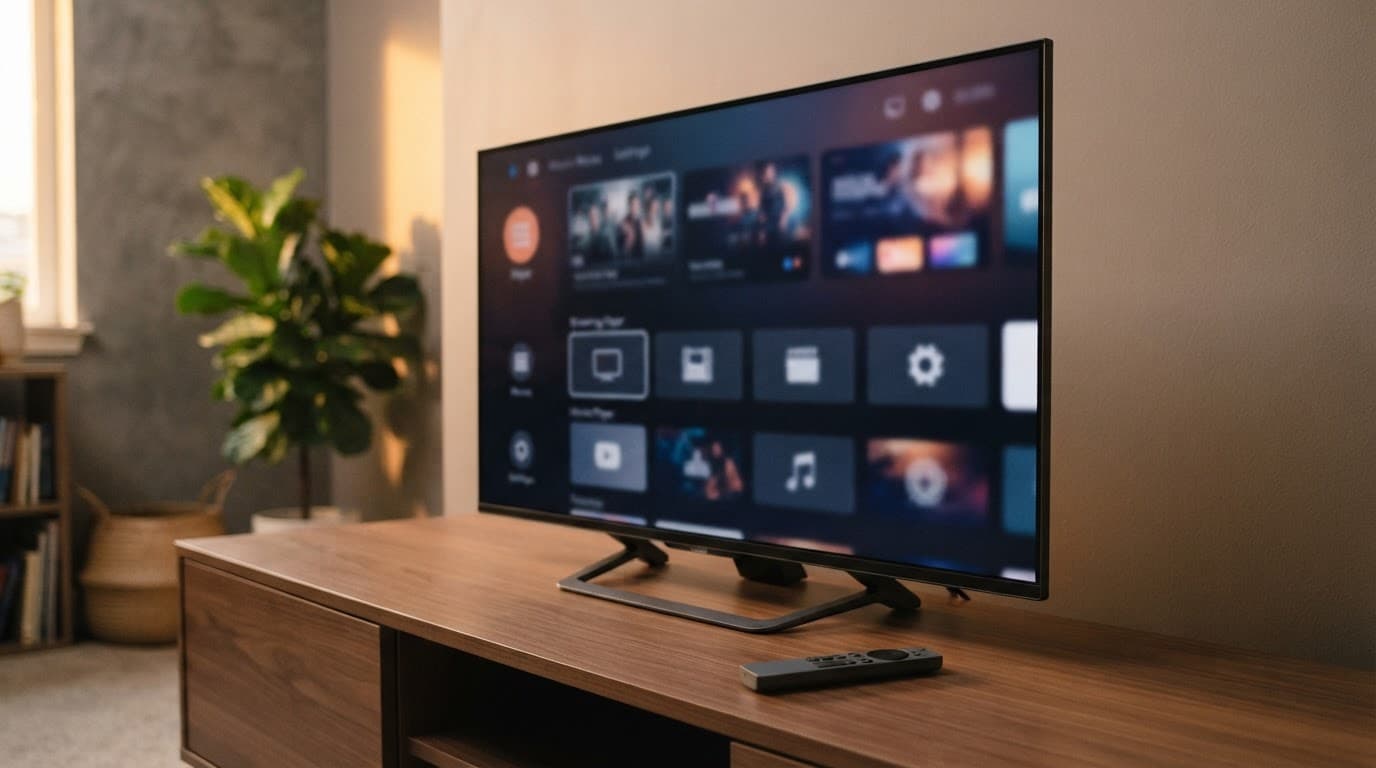
However, names and publishers vary. You may see IPTV Smarters Player PRO, Smarters Pro, or Smarters IPTV Smarters Player in an app store. For example, Apple’s IPTV Smarters Player PRO listing describes a player that supports live TV, VOD, catch-up, M3U playlists, and Xtream Codes API logins.
Check the precise developer, privacy details, reviews, operating system requirements, and in-app purchase terms before downloading. A familiar app name alone doesn’t confirm who made it.
IPTV Smarters Is a Player, Not an IPTV Subscription
The player is the app on your phone, TV, streaming stick, or computer. Your IPTV provider is the separate company that supplies channels, VOD titles, an M3U URL, or Xtream Codes-style login details.
That distinction matters when comparing prices. A paid app unlock may only remove ads or add player features. It does not guarantee access to channels, sports, movies, or reliable servers.
Some websites use the Smarters name while selling subscription packages. That doesn’t make them the app publisher, nor does it prove they have licenses for the content they offer.
Useful Features to Look for Before You Install It
A worthwhile player should make your library easier to use. Look for a clear remote-friendly interface, egg support, favorites, playlist management, subtitles, parental controls, and sensible search tools.
Multi-screen viewing can help in some households, although it may depend on your device and service plan. HD and 4K playback also rely on your internet speed, device hardware, and the provider’s source quality.
A player can organize a channel list, but it cannot repair an overloaded or unauthorized content service.
How to Set Up IPTV Smarters on Your Device
Exact menus differ across app versions and operating systems. Still, the basic setup process is similar when you have a legitimate service and valid login details.
- Download the exact app you chose from a trusted app store when it is available.
- Open it and select the option for an Xtream Codes API login, M3U playlist URL, or account credentials.
- Enter the server address, username, and password provided by your IPTV Smarters service.
- Let the app load the channel list and guide, then set favorites and parental controls.
Check every character in the server URL and login. A misplaced slash, space, or letter can block access. Also confirm your device time is correct, since incorrect time settings can affect guide data and authentication.
Supported Devices and Compatibility Checks
Reseller sites often claim broad IPTV Smarters support for Android phones, Android TV, Fire TV, Fire Stick, smart TVs, iPhone, iPad, Windows, and Mac. Treat those claims as a starting point, not proof of official certification.
The Apple listing linked above shows support for iPhone, iPad, Mac, Apple Vision, and Apple TV, with different minimum software versions. Before paying, confirm your operating system, remote-control behavior, screen resolution, casting needs, and multi-device rules.
A newer app release may also require a newer phone or TV. Read the store listing rather than relying on a screenshot from a seller’s website.
Simple Fixes for Buffering and Login Problems
First, test your home connection with another trusted streaming app. Then restart the player, device, and router. Updating the app can fix compatibility issues, while a wired Ethernet connection often improves TV playback.
If problems continue, recheck the subscription login and remove expired playlists. Lower the playback quality if your connection is limited.
Repeated buffering, missing channels, or an offline server often points to the IPTV Smarters provider rather than the player. Contact that provider instead of installing unknown APK files or giving a stranger remote access to your device.
Pricing, Safety, and Choosing a Reliable IPTV Service
IPTV Smarters pricing can be hard to compare because app fees and content fees are separate. Some players are free to download and offer optional in-app purchases, while IPTV Smarters subscriptions may charge monthly, yearly, or lifetime rates.
Current prices vary widely by listing. One Smarters Pro App Store listing shows in-app purchase options, while other listings using similar names show different developers and pricing. Prices can change at any time.
A subscription seller’s rate is separate from the player purchase. Paying for either one does not prove that a service has rights to distribute its channels.
How to Spot Risky IPTV Subscription Offers
Ask direct questions before sharing payment details:
- Who owns the service, and how can you contact that business?
- Does it explain its authorization for live channels, sports, and premium networks?
- Are refund terms, privacy practices, and recurring charges easy to find?
- Does it request only normal account information, rather than remote access or unknown downloads?
Promises of every premium channel, major sports package, and huge movie catalog for a tiny fee need evidence. Use a strong unique password, keep devices updated, and choose secure payment methods.
Some player sites state that they do not sell channels and advise users to provide legal playlists. The IPTV Smarters Player terms make that same separation clear. It is still your responsibility to check the provider behind the playlist.
Is IPTV Smarters Worth Using?
IPTV Smarters can be useful when you already have a transparent, authorized IPTV Smarters service and want one place to view its content. Its value depends on the version you install, your device compatibility, and the quality of your provider.
Paying for an app may improve its interface or features. It does not buy channels, prevent buffering, or make a questionable subscription lawful.
Final Thoughts
IPTV Smarters is generally a playback tool, not a channel provider. Verify the exact app listing, check that it works with your device, and use credentials from a service you have researched carefully.
Keep app charges separate from content subscription fees. A trusted app-store listing and a provider that clearly explains its authorization are far better signs than a giant channel count or a suspiciously low price.